Why Every Google Business Profile Small Business Strategy Matters in 2026



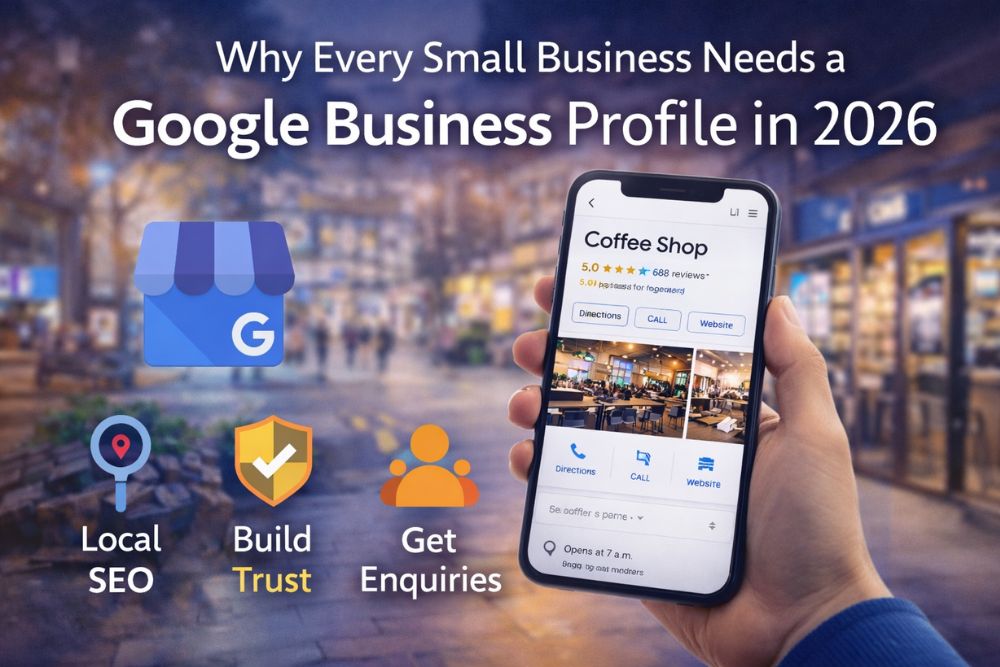

A strong Google Business Profile small business strategy is no longer optional in 2026. When customers search for services “near me”, Google often shows local listings before websites. If your business does not appear in those results, you lose visibility, traffic, and potential revenue.
Local search continues to shape how people find shops, services, and professionals. Whether someone needs a plumber, café, accountant, or marketing agency, they usually check Google Maps first. That is why every small business must treat its Google Business Profile as a core marketing asset.
A Google Business Profile (formerly Google My Business) is a free listing that allows businesses to appear in Google Search and Google Maps.
It displays:
For many customers, this listing creates the first impression of your company. A complete and optimised profile increases trust and encourages enquiries.
Also Read: How to Get More Google Reviews UK
The way customers search has changed. People expect quick answers, accurate directions, and real customer reviews. A Google Business Profile small business listing helps you meet those expectations instantly.
Here is why it matters more than ever:
When someone types “best bakery near me” or “accountant in London,” Google shows a local map pack at the top of results. Businesses with optimised profiles appear in that section.
Without a profile, your website may remain invisible for location-based searches.
Online reviews influence buying decisions. Most customers read reviews before contacting a business.
A well-managed Google Business Profile small business listing allows customers to leave ratings and feedback. Positive reviews build credibility and improve click-through rates.
Mobile searches dominate local queries. People search while travelling, shopping, or comparing options nearby.
Because Google Business Profiles integrate with Maps, users can call, get directions, or visit your website in seconds. This convenience increases conversion chances.
Local SEO focuses on improving search visibility within a specific area. A Google Business Profile small business setup plays a central role in this strategy.
It helps by:
When combined with consistent contact details across directories, it strengthens your online authority.
Customers prefer businesses that look active and transparent. An incomplete profile with no images or outdated hours creates doubt.
An optimised profile shows:
Responding to both positive and negative reviews demonstrates professionalism. This builds confidence and encourages enquiries.
Also Read: Google Business Profile Optimisation for Harrow Companies
Setting up a profile is straightforward.
Visit Google Business Profile and search for your business. If it exists, claim it. If not, create a new listing.
Add your business name, category, address, phone number, and website. Ensure all details match your website and social profiles.
Google usually verifies by postcard, phone, or email. Verification confirms your legitimacy.
Upload professional images of your premises, products, or services. Write a clear, keyword-focused business description.
Invite satisfied customers to leave honest feedback. Reviews improve both trust and rankings.
Simply creating a profile is not enough. You must optimise it regularly.
Here are practical tips:
Consistent activity signals reliability to Google.
Many small businesses create a profile but neglect it later.
Avoid these common errors:
A poorly maintained profile can reduce trust rather than improve it.
Search engines increasingly focus on user experience. They prioritise listings that provide direct answers quickly.
With AI-driven search features and voice search growing, structured local data becomes more important. A strong Google Business Profile small business presence increases your chances of appearing in featured results and voice queries.
Moreover, customers expect instant information. Businesses that provide it gain a competitive edge.
In 2026, local search defines how customers discover small businesses. A well-optimised Google Business Profile small business strategy increases visibility, builds trust, and drives enquiries.
It costs nothing to create, yet it delivers significant value. By setting up, verifying, and regularly updating your profile, you strengthen your local SEO foundation and improve customer engagement.
If you run a small business and have not optimised your Google Business Profile yet, now is the time to start.
1. Is Google Business Profile free for small businesses?
Yes, creating and managing a Google Business Profile is completely free.
2. How does a Google Business Profile improve local SEO?
It increases visibility in Google Maps and local search results.
3. Can I manage reviews on my profile?
Yes, you can respond to customer reviews directly through your dashboard.
4. How long does verification take?
Verification usually takes a few days, depending on the method used.
5. Do I need a website to create a profile?
No, but having a website improves credibility and SEO performance.